FWSC New Player Registration
1. Visit the registration link... and begin to register as a Player Contact.
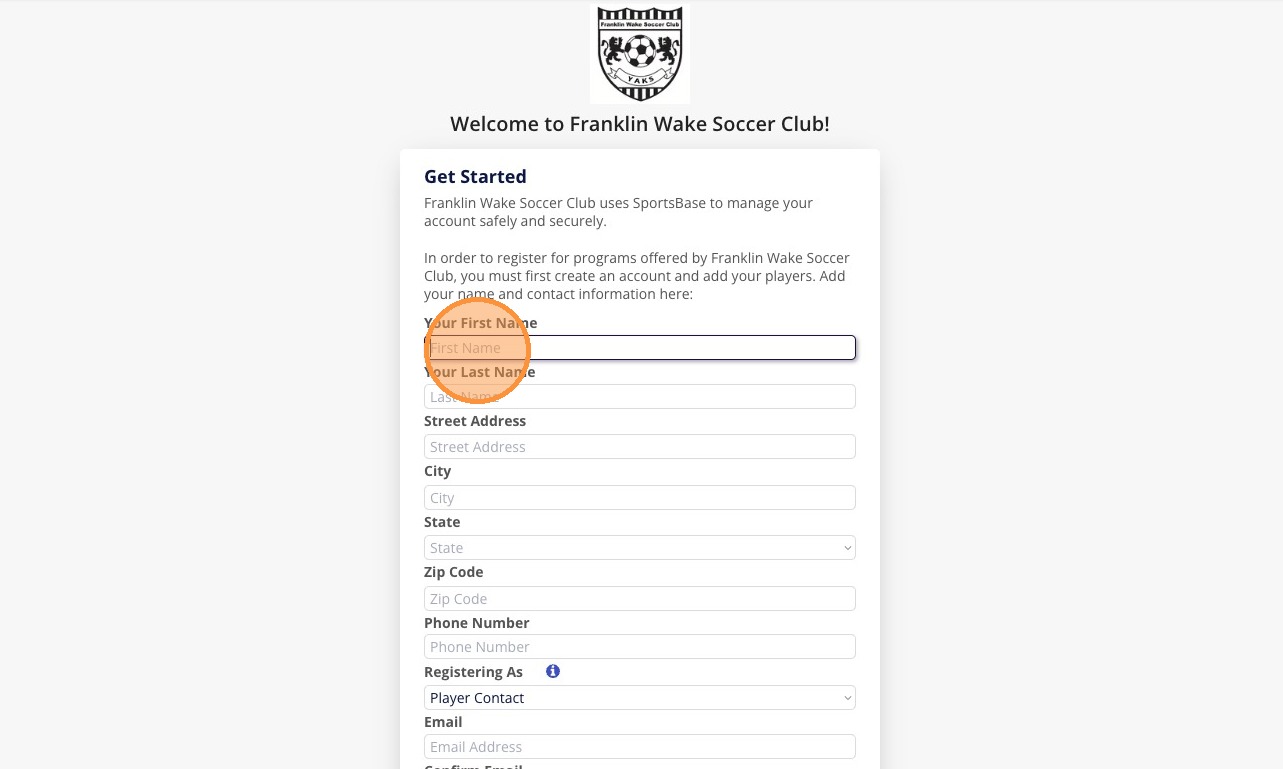
Alert: Your Login Information from our old site will NOT work on this one.

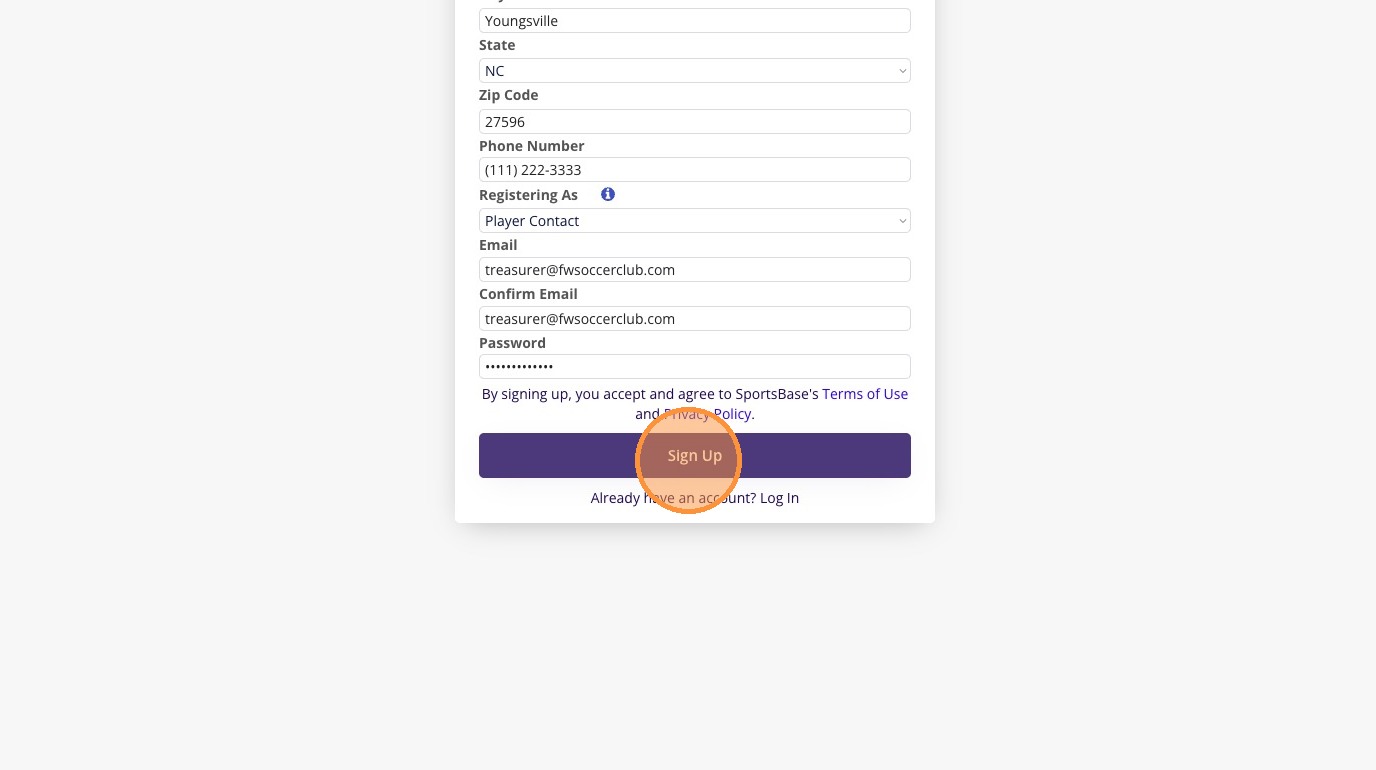
2. Please enter your main contact information.
4. Begin entering the information for your children/players. (Choose "Add another player" to continue adding additional children/players.)

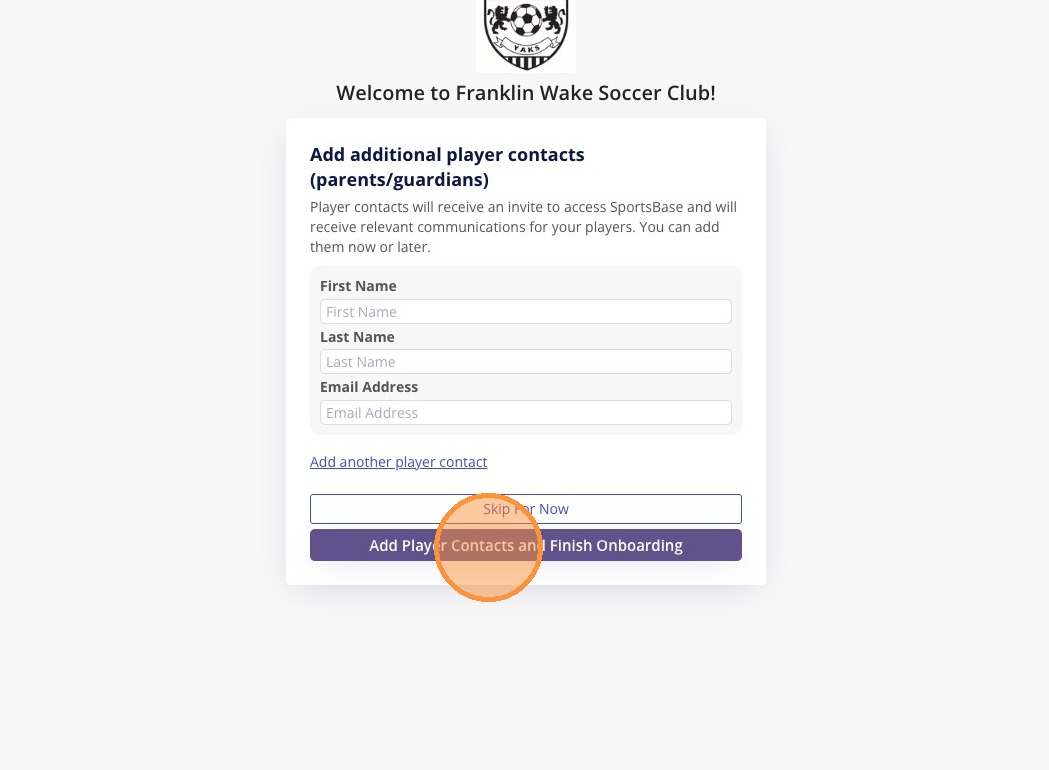
5. Choose to add another parent/guardian to have access to these players.

6. Choose the players to register, and then choose Continue.
7. Add an optional Headshot, then complete the questions.

8. If you'd wish to have your player "Play Up" to an older division, please list which division here.
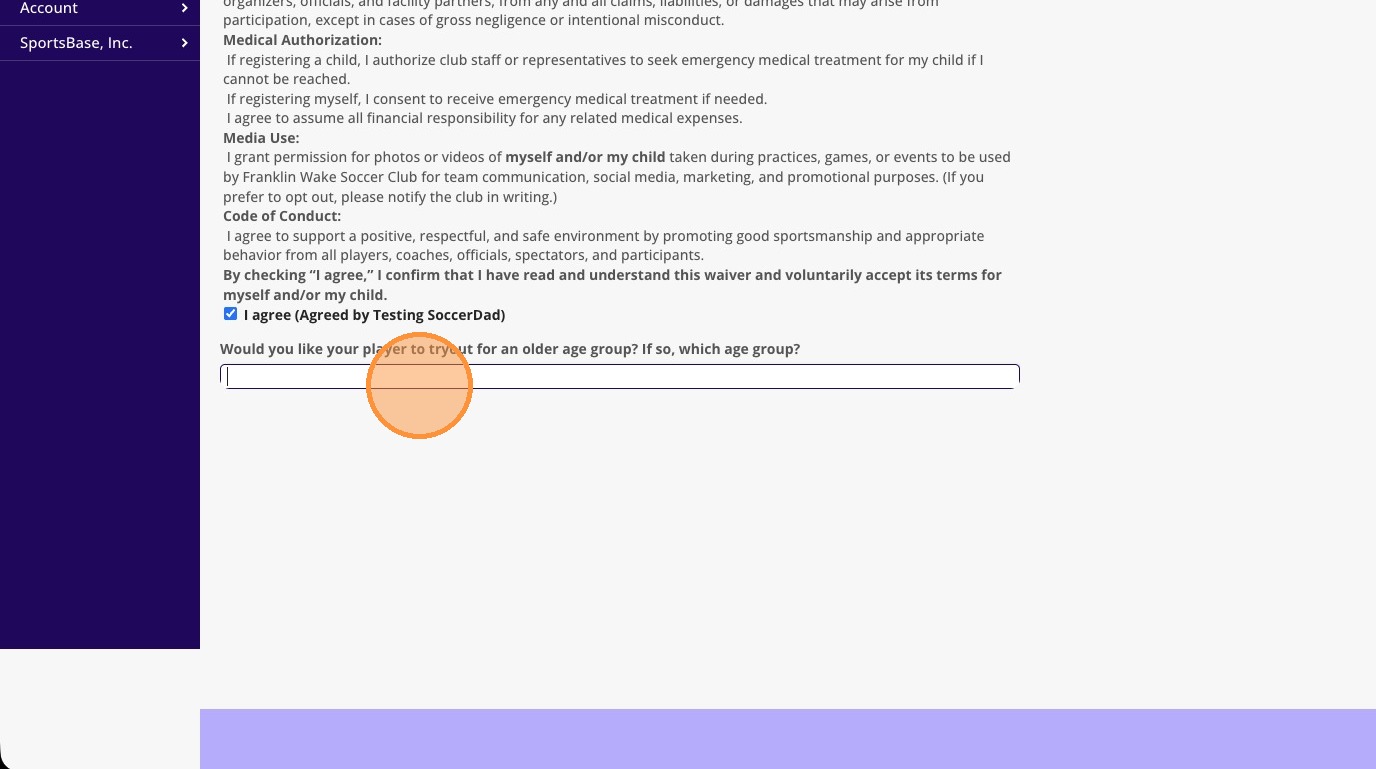
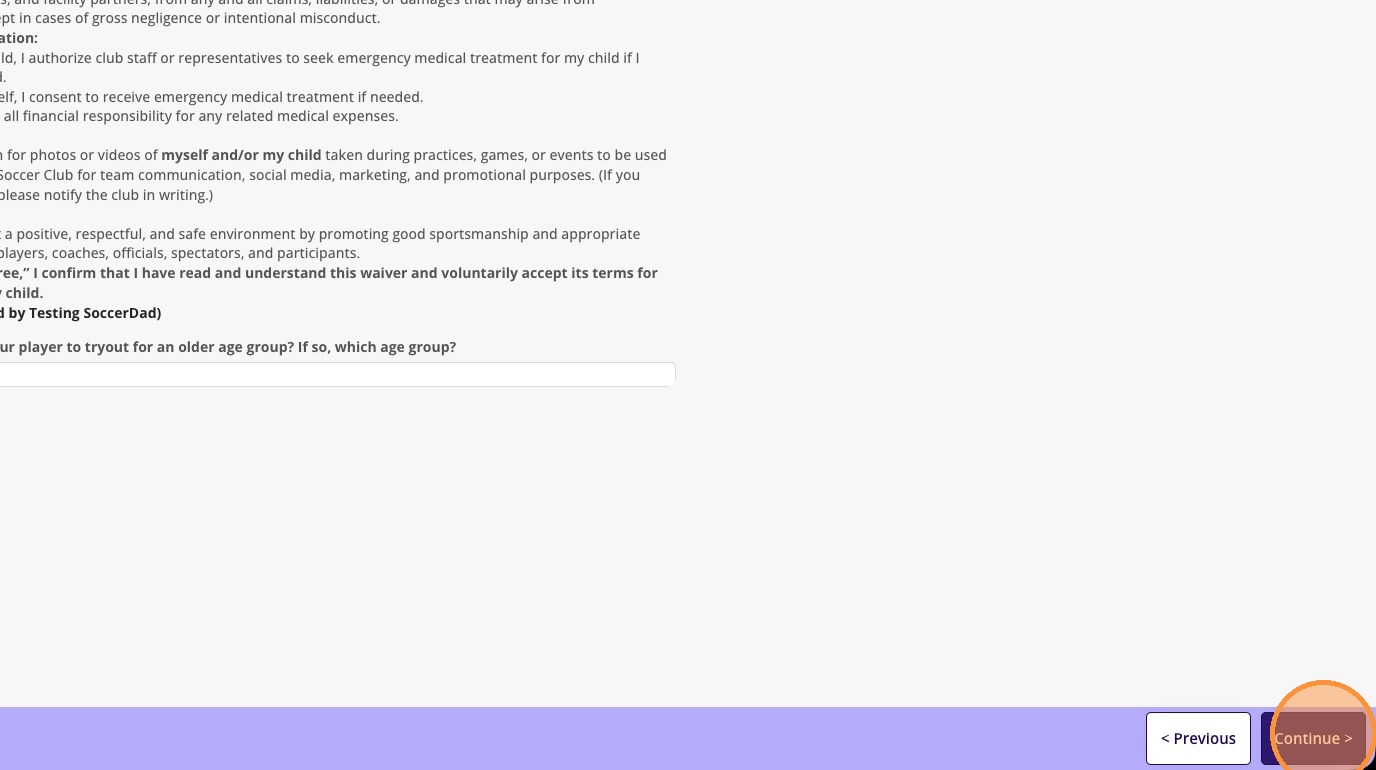
9. Click "Continue" (This will repeat for each player being registered.)

10. Select you're payment options for each player (For Tryout, this is Free) and then choose Register.
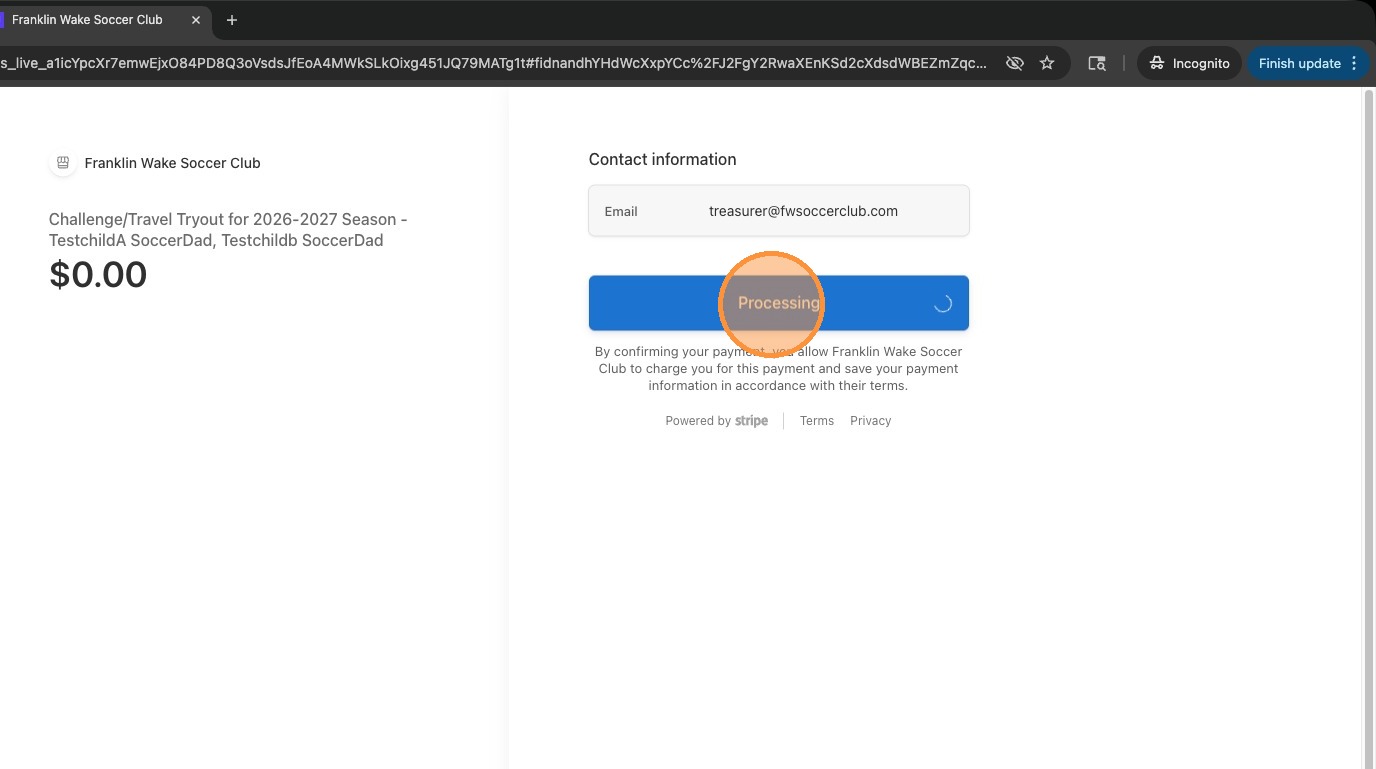
11. Confirm payment of transaction.
12. Click "Continue" once payment has completed.
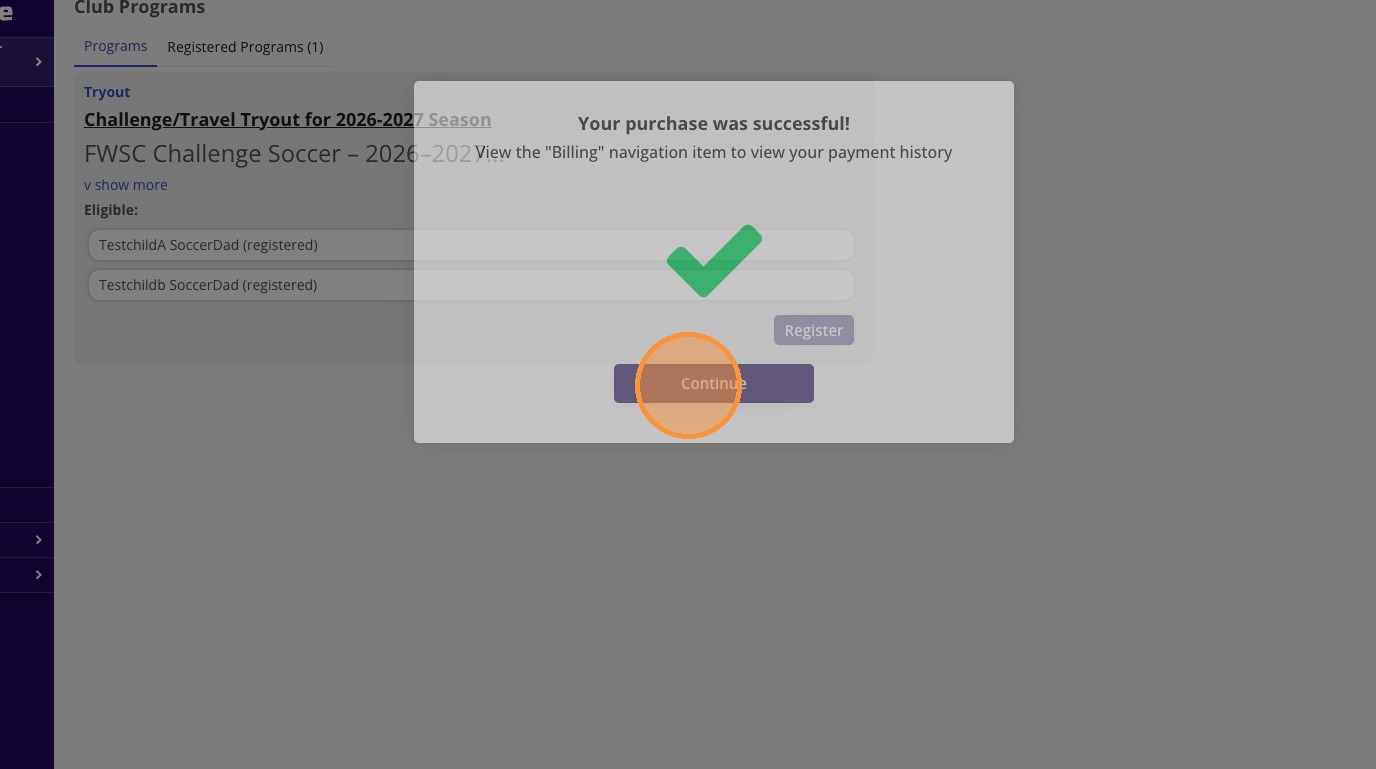
13. Notice on the main "Club Programs" page, you will now see each eligible player's registration status for that program.
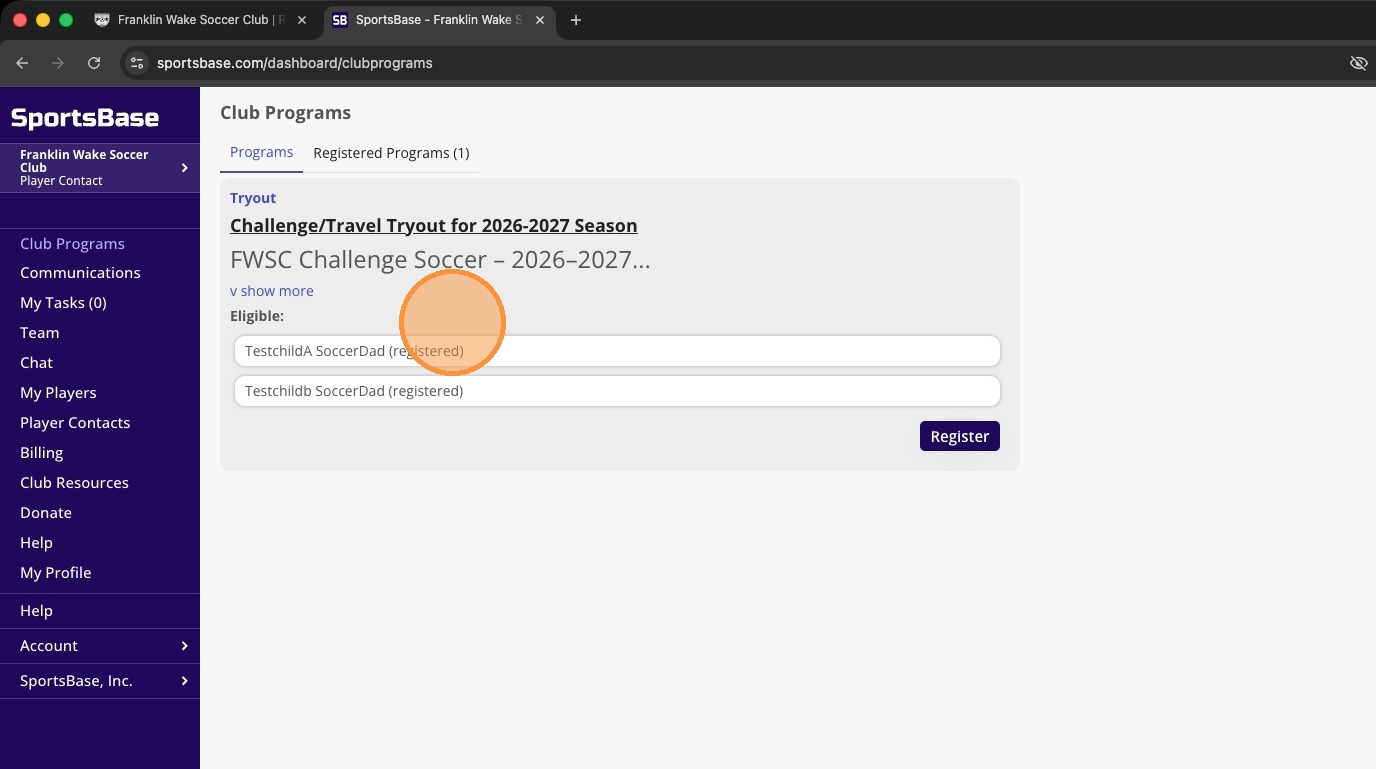

14. Click "Billing" then "Completed" to see your billing history for transaction information.